Turn Your Phone Into a Price‑Watchdog: Simple Alerts for iPhone, Samsung & Pixel
- Nishadil
- October 22, 2026
- 0 Comments
- 3 minutes read
- 4 Views
- Save
- Follow Topic
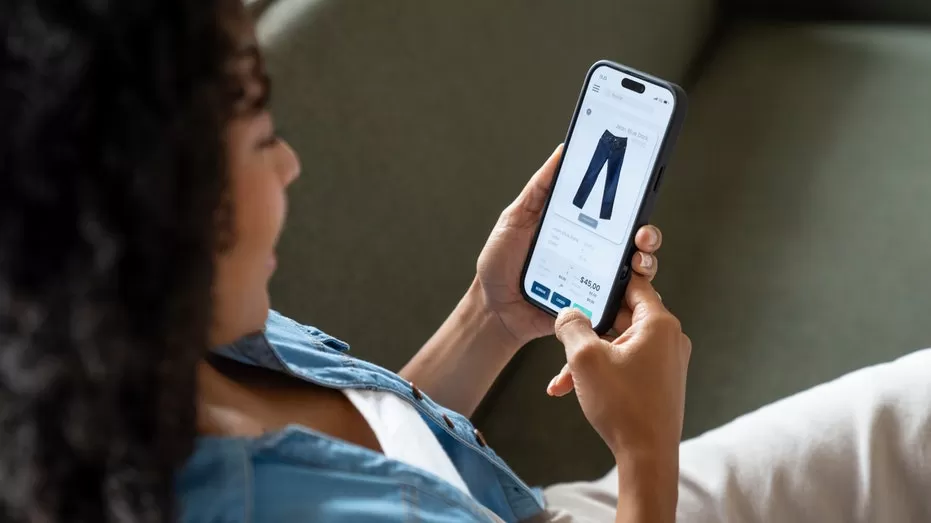
How to Set Up Automatic Price‑Drop Alerts on Your Smartphone
Never miss a discount again. Learn step‑by‑step how to use Safari’s Notify Me feature, Google Shopping, and native Android tools to get price‑drop alerts on iPhone, Samsung Galaxy and Google Pixel devices.
Ever find a product you love, add it to your cart, and then wonder if the price will tumble the next day? You’re not alone. The temptation to refresh the same page over and over can eat up time you’d rather spend actually using the item.
Good news: modern smartphones can do the heavy lifting for you. Both iOS and Android have built‑in or easily‑added tools that watch a product’s price and ping you when it falls. No more manual checking, no more FOMO.
iPhone – Safari’s “Notify Me”
Apple quietly tucked a price‑monitor into Safari. Here’s how to turn it on:
- Open Safari and navigate to the product page you want to track.
- Tap the share icon (the square with an arrow pointing up).
- Scroll down and select Notify Me. If you don’t see it, tap Edit Actions and add it to your favorites.
- Choose When price drops and set your desired threshold (e.g., any drop, 10 % off, or a specific dollar amount).
- Confirm. Safari will now silently watch that page and send you a notification the moment the price changes.
When the alert pops up, just tap it to jump straight back to the retailer’s site and snag the deal.
Samsung Galaxy – Google Shopping & Third‑Party Apps
Samsung phones run Android, so you have a couple of routes:
- Open the Google app (or Chrome) and search for the product.
- On the right‑hand side of the search results, you’ll see a Price tracker card if the item is eligible.
- Tap Track price, then choose how low you’d like the price to go before you’re notified.
- If you prefer a dedicated app, consider free options like Honey, ShopSavvy, or Keepa. After installing, simply paste the product URL and set your alert parameters.
These apps often let you monitor dozens of items at once and even give price‑history charts, which can help you decide whether a “sale” is truly a bargain.
Google Pixel – Built‑in Shopping Alerts
Pixel users get the most seamless experience because Google’s ecosystem is baked right into the OS.
- Launch the Google Shopping app (or open Google Search and tap the Shopping tab).
- Search for the item, then hit the Track price button on the product page.
- Set a target price or choose “any drop.” You can also enable push notifications for the app in Settings → Apps → Google Shopping → Notifications.
- Google will push a notification whenever the price meets your criteria, and you can swipe directly to the retailer to purchase.
All three methods work offline too – the phone stores the tracking data and checks the site when you have internet, so you don’t need a constant background process draining battery.
Tip: If you’re hunting for the best possible price, add the same product to multiple trackers. Sometimes one service catches a flash sale that another misses.
In short, let your phone do the legwork. Set up a price‑drop alert once, sit back, and let the notification tell you when it’s finally time to buy.
- UnitedStatesOfAmerica
- News
- Fnc
- FoxNews
- Article
- Science
- ScienceNews
- FoxNewsTech
- FoxNewsTechTechnologiesApps
- FoxNewsTechTechnologiesIphone
- FoxNewsTechCompaniesGoogle
- FoxNewsTechCompaniesApple
- ShoppingDeals
- FoxNewsNewsedgeConsumer
- PriceDropAlerts
- PhonePriceTracking
- SafariNotifyMe
- GoogleShoppingPriceTracker
- IphonePriceAlerts
- SamsungGalaxyPriceMonitor
- GooglePixelPriceDrop
- MobilePriceMonitoring
Editorial note: Nishadil may use AI assistance for news drafting and formatting. Readers can report issues from this page, and material corrections are reviewed under our editorial standards.