JSON vs AJAX: Understanding the Core Differences
- Nishadil
- October 22, 2026
- 0 Comments
- 2 minutes read
- 9 Views
- Save
- Follow Topic
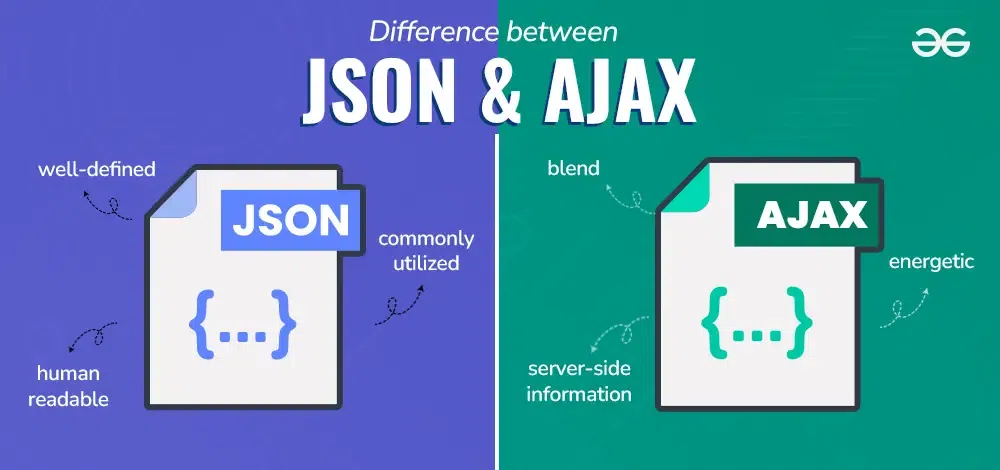
What sets JSON apart from AJAX, and why it matters for modern web apps
A clear, conversational look at how JSON and AJAX differ – one is a data format, the other a way to fetch data without refreshing the page.
If you’ve been tinkering with web pages lately, you’ve probably heard the terms JSON and AJAX tossed around a lot. At first glance they seem related – both show up when you’re moving data around – but they actually live in completely different worlds.
JSON, short for JavaScript Object Notation, is simply a way to write structured data as text. Think of it as a lightweight cousin of XML that most languages can read and write. It supports objects, arrays, strings, numbers, booleans, and null. You’ll often see it looking like this:
{
  "name": "John",
  "age": 25,
  "skills": ["JavaScript", "React"]
}
That snippet isn’t code that does anything on its own – it’s just a container for information, ready to be sent over the wire or saved to a file.
AJAX, on the other hand, stands for Asynchronous JavaScript and XML. Despite the XML part of the name, modern AJAX rarely uses XML at all; it’s a technique, not a format. AJAX lets your browser talk to a server behind the scenes, fetch data, and then update a portion of the page without a full reload. Under the hood you’ll typically use fetch() or the older XMLHttpRequest object.
Because AJAX is just a method of communication, it can carry any kind of payload – JSON, plain text, HTML, you name it. In practice, most developers pair AJAX with JSON because JSON is compact and easy for JavaScript to parse with JSON.parse() and to generate with JSON.stringify().
So, in a nutshell: JSON defines what the data looks like, while AJAX defines how that data gets from point A to point B without forcing the user to reload the page. One is a static format; the other is a dynamic, asynchronous request‑response pattern.
Understanding this separation helps you choose the right tool for the job. Need to store configuration or exchange data between a server and client? JSON is your go‑to. Need to refresh a news feed or submit a form without flickering the whole page? Reach for AJAX (or, more commonly nowadays, the fetch API).
Editorial note: Nishadil may use AI assistance for news drafting and formatting. Readers can report issues from this page, and material corrections are reviewed under our editorial standards.